
Neo4j Graph Intelligence for Microsoft Fabric
Get smarter insights from Microsoft Fabric
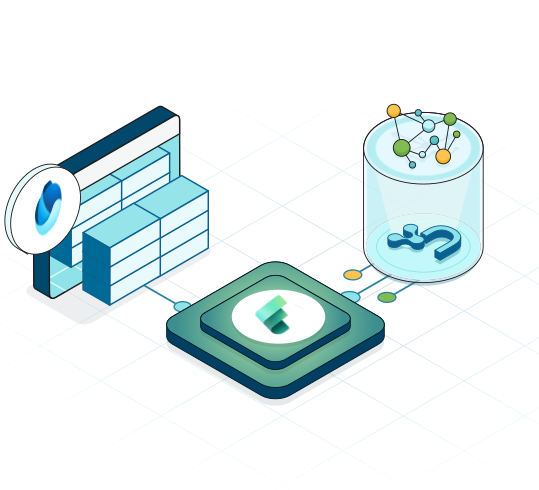
Turn OneLake tables into a knowledge graph in minutes. Run 65+ ready-to-use graph algorithms directly in Fabric with no manual ETL for deep contextual insights.
Richer contextual insights
Uncover new relationships in connected OneLake data using graph algorithms.
Improved AI accuracy & explainability
Easily turn OneLake tables into a knowledge graph to ground your LLM.
Seamless integration
Quickly move data between OneLake and your graph for continuous insights.
Fully managed & scalable
Simplify operations, streamline procurement, and strengthen security.
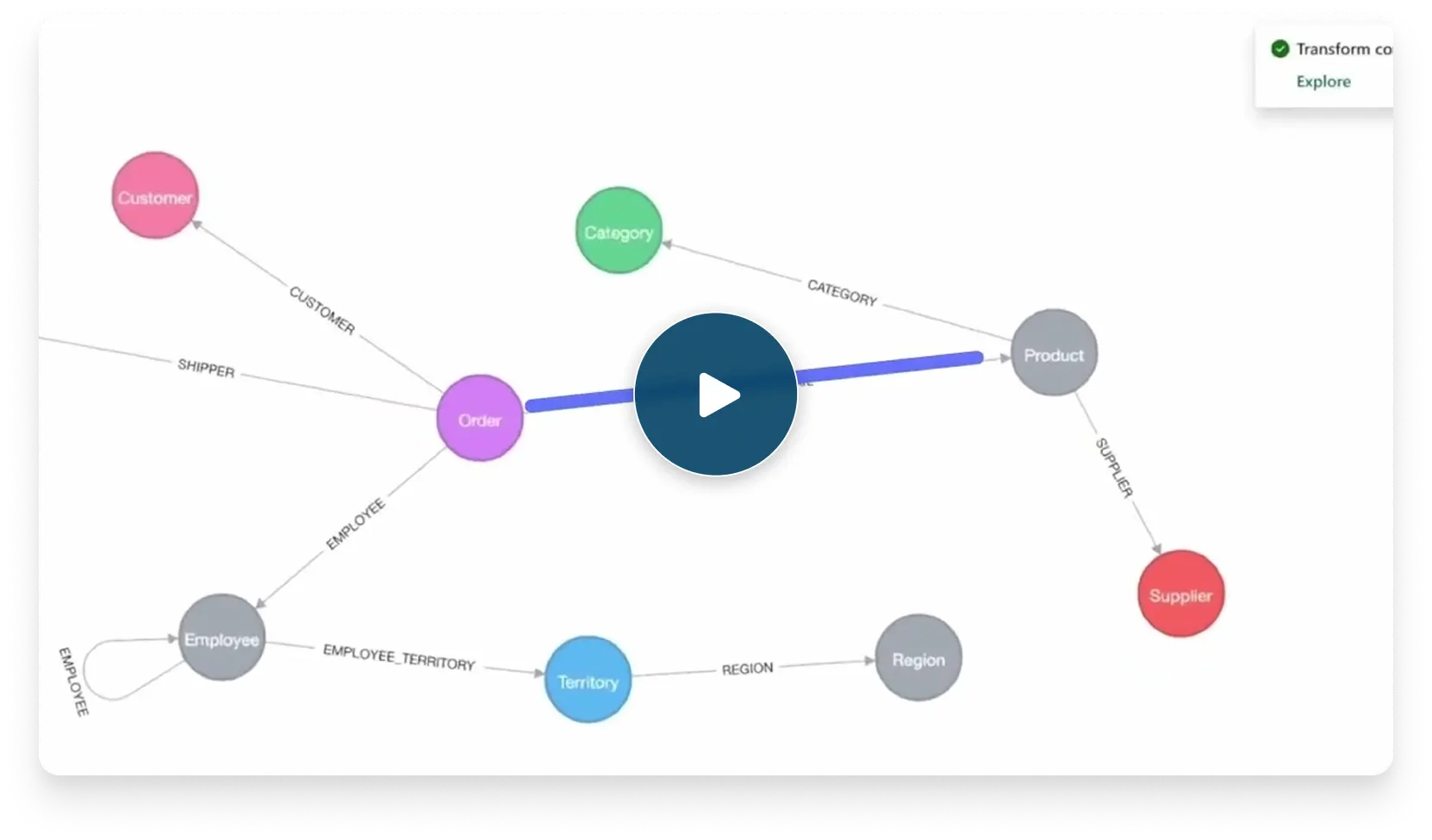
Turn OneLake tables into knowledge graphs in minutes
See Neo4j Graph Intelligence for Microsoft Fabric in action. Find out how you can get deep contextual insights.
Smarter decision-making with advanced graph analytics & fabric data
Use built-in algorithms to find contextual insights from connected data
Learn More
Turn relational data into a knowledge graph with only a few clicks.
Learn MoreEasily build a knowledge graph from your OneLake data to boost AI accuracy and explainability.
Learn MoreStay in sync with scheduled updates and create a single source of truth directly in Fabric.
Learn MoreSmarter insights from graph analytics: Use cases
Make better product recommendations
Provide better recommendations based on customer engagement and search behavior.
Uncover fraud faster
Identify fraud rings and suspicious behavior quickly.
Personalize customer experiences (CX)
Unify customer data into a single 360-view to understand their preferences and needs.
Build a more resilient supply chain
Detect bottlenecks, stay ahead of disruption, and identify alternative routes.
Loved by devs. Deployed worldwide.
1,700+ organizations build on Neo4j for data breakthroughs.


We were really pleased that we could take this from an idea — ‘Could we do this in a graph?’ — to actually having a working prototype in just three weeks.
Nathan Smith
PRA HealthSciences

When you use the Graph Data Science library, you can actually look at which fragments of the molecule are most highly connected to other fragments and which give you the biggest change in a certain property,
Matthew Sellwood
IQVIA

We also used the low code visualization using Neo4j which was pretty instrumental and allowed us to do efficient data visualization and exploration.
Geraldene Munsamy
Basecamp Research

Resources
Frequently asked questions
Yes — you can start for free with a 14-day trial of AuraDB Professional with 4 GB of memory and storage included. Each organization can launch up to 10 trials, and each user gets their own graph item.
Yes – purchase AuraDB Professional in the Azure Marketplace to access Graph Intelligence for Microsoft Fabric.
Currently only available on AuraDB Professional at this time.
All Azure regions are supported, but please note that Aura is only available in select regions. As such, customers need to choose the nearest Aura region.
Your organization must be using Microsoft EntraID. An Organization / Project will be created in Aura on Azure, and Tools Connectivity and Generative AI Assist must remain enabled on the instances used.