
Neo4j GenAI Plugin: embed, search, generate
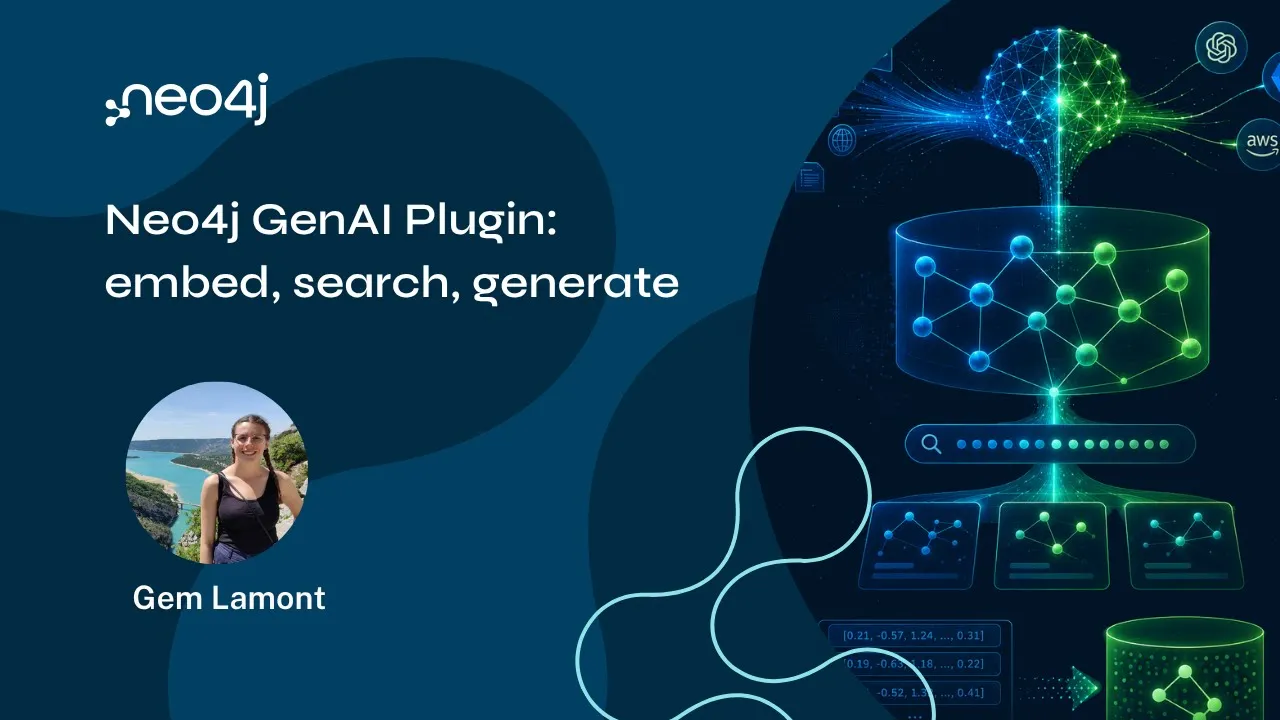 Play video on YouTube: Neo4j GenAI Plugin: embed, search, generate
Up next
NODES AI 2026 – From AI Workflows to Graph-Native Reasoning: A Dify Plugin for Querying Neo4j

Chapters 9
- Play from Introduction & What is the Neo4j GenAI Plugin?
- Play from From Apoc Extended to a First-Class Plugin
- Play from Graph RAG Overview & Use Case
- Play from Cypher 25 & the New Vector Type
- Play from GenAI Plugin: Providers & Core Functions
- Play from Vector Embedding Functions & Batch Embedding
- Play from Text Completion & Structured Completion
- Play from Vector Search Syntax & Index Filtering
- Play from Live Demo: AI-Powered Movie Search & Recommendations
Building an AI-powered feature usually means writing a backend service that calls out to an embedding provider, stores the result, then calls out again for generation. The Neo4j GenAI plugin collapses that whole workflow into Cypher. In this Neo4j Live session, Gemma Lamont from Neo4j’s Cypher team joins the show to walk through the plugin end-to-end: how it connects Neo4j directly to providers like OpenAI, Azure OpenAI, Amazon Bedrock, and Google Vertex AI, and how you can go from a user question to a grounded, hallucination-resistant answer without ever leaving the database.
Gemma’s team owns more than the plugin: they’re responsible for the layer that parses, validates, and rewrites every Cypher query before it reaches the planner, along with related tools like Cypher Shell and the ongoing effort to graduate useful APOC functions into core Cypher.
From APOC Extended to a first-class plugin
Some of this AI functionality already existed in APOC Extended, but it isn’t supported on Aura, so any Aura user simply didn’t have access to it. Cypher itself moves deliberately: new syntax has to be designed and implemented all the way down the stack, which is too slow for a fast-moving space like AI. A plugin was the right middle ground – engineering-supported, tested, and built into the ecosystem, without requiring a full language change for every new capability.
It also saves you from reimplementing the same AI plumbing in every client language. Instead of writing embedding and completion logic separately in Python, TypeScript, Java, and Go, that logic lives once in the plugin, and every Cypher user gets it for free.
A quick GraphRAG refresher
Before diving into syntax, the session grounds the discussion in why this matters: GraphRAG. Take a user question, embed it as a vector, search the database for similar content, then traverse the graph from those starting nodes to gather connected context – far more than a flat vector search alone would surface. Send all of that to the LLM, and you get answers that are less prone to hallucination, especially on internal data the model was never trained on. It’s the same core idea behind prompt engineering and context engineering: get the right context into the context window.
Cypher 25 and the new Vector type
Everything in this session runs on Cypher 25, so it’s worth checking SHOW DATABASES and switching your database (or prefixing queries with CYPHER 25) if you’re still on Cypher 5.
Cypher 25 also introduced a native Vector type, released last October. Previously, embeddings were stored as plain lists of 64-bit floats or integers – inefficient at scale, and with no guarantee that every vector on every node had the same dimensions. The Vector type fixes both problems: you choose the coordinate size (down to INTEGER8 if needed), and you can enforce consistency directly with a property type constraint:
CREATE CONSTRAINT FOR (m:Movie) REQUIRE m.embedding IS TYPED VECTOR(FLOAT32, 1536)
The constraint enforces that a property must be a vector of a given type and dimension – so a stray string can’t slip into an embedding property and quietly break similarity search downstream. Vector indexes are what makes the actual similarity search fast, and constraints and indexes are set up as two separate steps.
What the GenAI plugin actually does
The plugin’s functions fall into a few groups.
Vector embedding functions. ai.ext.embed sends a string to your chosen provider (OpenAI, Azure OpenAI, Bedrock, or Vertex AI) and returns a vector. There’s also a batching procedure for embedding many strings in one call – considerably faster than embedding one at a time, since it avoids opening and closing a connection per string. Two newer additions round this out: a file/URL-based embedding function (for public files, since local file access isn’t available on Aura) and multimodal image embedding, accepting either a file link or a base64-encoded string.
Token helper functions. AI providers count in tokens, not characters or words, which makes it easy to accidentally send a string that’s too long. The plugin gives you a function to count tokens and another to chunk a string by a maximum token limit – useful when you’re preparing large volumes of text for embedding.
Text and structured completion. ai.ext.completion behaves like a straightforward chat call – send a prompt, get text back. ai.ext.structuredCompletion is more useful for real applications: you send a prompt and a JSON schema, and the response comes back as a Cypher map that matches that schema, ready to use directly in your query rather than parsed from free text.
All of these calls take your provider API key as a query parameter rather than a hardcoded string – the safer approach today, though the team is working on proper secrets management so you can reference a stored key by name instead of passing the raw string around.
Cypher’s native vector search syntax
Alongside the plugin, Cypher itself picked up native vector search syntax earlier this year, replacing what used to be a procedure call. It supports approximate nearest neighbor search plus two flavors of filtering:
- Post-filtering: a normal
WHEREclause applied after the similarity search returns results. - In-index filtering: filtering applied during the similarity search itself, against a constrained set of comparators (the query has to be expressible in the underlying Lucene-based index).
The distinction matters more than it might seem. If you ask for the top four movies similar to a vector and all four happen to predate 1990, a post-filter for “after 1990” leaves you with nothing. Filtering inside the index instead searches only within movies made after 1990 to begin with, so you actually get four relevant results back.
Live demo: AI-powered movie search and recommendations
The demo runs on a small IMDb-based movie dataset. A “search by plot” feature takes a free-text description – “a young wizard who starts going to a school of magic” – embeds it with ai.ext.embed, and runs a vector search against pre-computed plot embeddings. The results surface Harry Potter and the Philosopher’s Stone first, with Howl’s Moving Castle and Kiki’s Delivery Service close behind – a solid illustration of semantic similarity picking up on theme rather than exact keyword matches.
A second feature recommends a single movie based on a user’s past ratings. The query collects the user’s highly-rated films, builds a merged embedding representing their taste, and runs a vector search to shortlist similar titles that actually exist in the dataset – an important detail, since without that constraint, an LLM might recommend a great film that simply isn’t in your database. That shortlist, plus the user’s ratings, goes into a structuredCompletion call with a schema asking for exactly one recommended title and a plain-language reason. The whole recommendation engine, including all the surrounding Cypher for search-by-title, genre, and actor, comes in at roughly 300 lines – most of it boilerplate.
Getting the plugin
The GenAI plugin ships by default on Aura – just make sure you’re running Cypher 25, then check SHOW FUNCTIONS and SHOW PROCEDURES to see what’s available. For self-managed deployments, it installs the same way as other bundled plugins: copy it into your plugins directory, or let Docker unpack it automatically. Manual installs may need two config entries – a procedure allow-list (AI.* or specific function names) and, if needed, an unrestricted procedures setting.
Key takeaways for developers
- The GenAI plugin puts embeddings and completions directly in Cypher. No separate backend service required for prototypes or lightweight production features – connect to OpenAI, Azure OpenAI, Bedrock, or Vertex AI straight from a query.
- Use the native Vector type, not lists of floats. It’s more storage-efficient and, when paired with a property-type constraint, guarantees that every embedding has the correct type and dimension – preventing subtle bugs in similarity search.
- Batch your embedding calls.
embed.batchis significantly faster than embedding strings one at a time because it avoids per-call connection overhead and leverages provider batch endpoints. - Choose in-index filtering when you need a guaranteed result count. Post-filtering after a similarity search can leave you with fewer results than expected; in-index filtering narrows the candidate pool before the nearest-neighbor search runs.
- Constrain generation to your actual data. When building recommendations or completions grounded in your graph, pass the LLM a candidate list drawn from your database – otherwise, it may confidently suggest something you can’t actually deliver.
Additional resources
- Neo4j GenAI plugin documentation
- Neo4j GraphRAG overview
- Cypher Manual
- APOC Extended documentation
- Neo4j AuraDB
- GraphAcademy
- Neo4j Developer Hub
Video Timestamps:
0:00 Introduction & What is the Neo4j GenAI Plugin?
3:31 From Apoc Extended to a First-Class Plugin
7:16 Graph RAG Overview & Use Case
9:28 Cypher 25 & the New Vector Type
14:35 GenAI Plugin: Providers & Core Functions
20:09 Vector Embedding Functions & Batch Embedding
23:01 Text Completion & Structured Completion
31:35 Vector Search Syntax & Index Filtering
35:36 Live Demo: AI-Powered Movie Search & Recommendations
- Watched Duration: 30:57
- Watched Duration: 11:49

- Watched Duration: 1:00:03

- Watched Duration: 24:41

- Watched Duration: 1:35

- Watched Duration: 36:04

- Watched Duration: 1:32

- Watched Duration: 49:49
