Build a Knowledge Layer: Connect Your Data Sources with a Composite Database


7 min read
In this series
1. Give Your AI Agents the Shared Context to Succeed
2. Map Your Data with an Ontology
3. Turn Your Existing Data into Context
4. Connect Your Data Sources with a Composite Database
5. Ground Decisions in Precedent
Code: knowledge-layer-demo on GitHub
How can an AI agent query multiple graph databases?
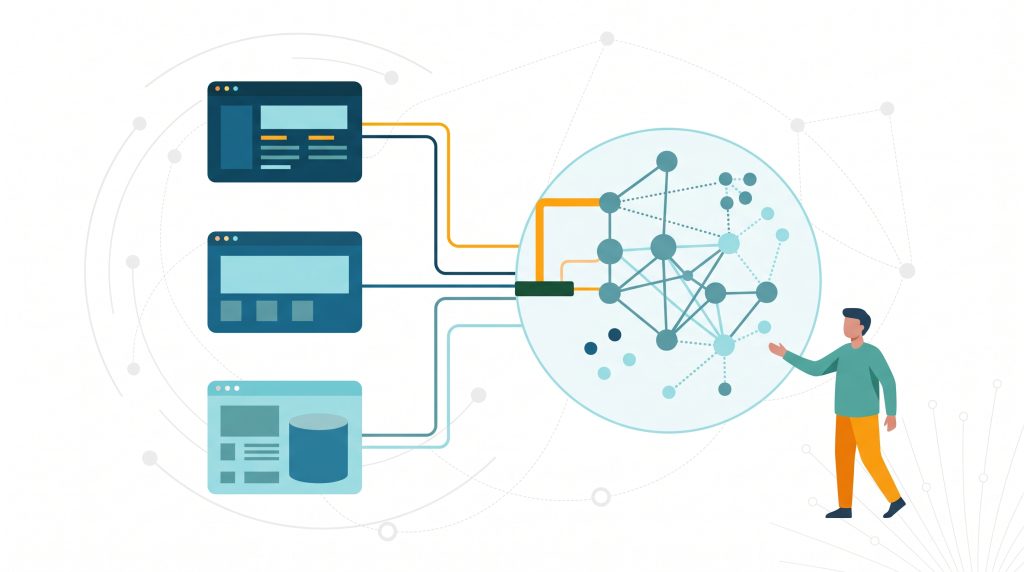
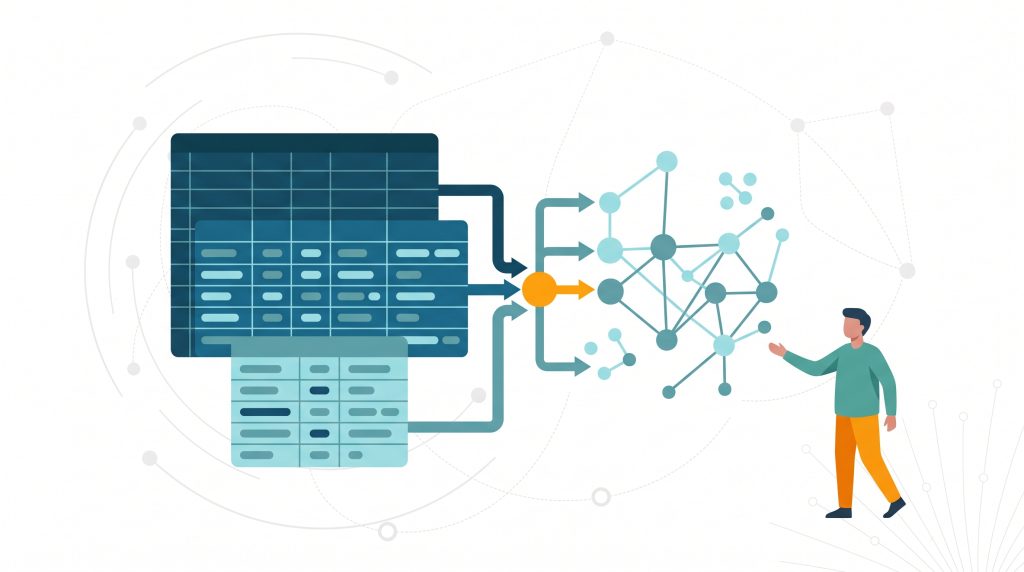
An AI agent can only use data it can reach, and a company’s data rarely lives in one place. Without a single unified access point, every new source means more schema detail in the agent’s prompt and another custom tool. A second agent repeats that work. A composite database gives the agent one connection over multiple graphs, including virtual graphs, without copying your source data. Each graph stays with the team that owns and governs it.
Read on to learn how a composite database is set up for a loan-decision agent at Nordtell Bank, how an application queries it, and how a “shadow” database enables you to link nodes that live in different graphs. Earlier posts in this series built a Virtual Graph over the bank’s data and a document graph from a business plan. This post connects them, along with the lending policy graph, the ontology from part 2, and the decision history (you’ll learn about that in a subsequent post).
How does a composite database surface the knowledge layer?
A knowledge layer has three parts: ontologies, data, and memory. In this demo, each one is represented as a graph that the composite database surfaces. The data is in the Virtual Graph over the bank’s systems, the document graph from the business plan, and the lending policy graph. Memory is the context graph of past decisions (part 5). The ontology (part 2) describes what the others hold. Because all of them are constituents of one composite database, the agent reaches the data, the memory, and the map through the same connection.
In the below video, you can see an AI agent working across many different systems to arrive at a recommendation. A composite database is the glue that connects those systems together!
Each graph is registered in the composite database under its own alias, and the table below shows what each one holds. Nordtell Bank’s internal banking system is called Meridian, which is why the composite database is named meridianComposite and the alias for the bank’s data is meridian.
| Alias | Backed by | Holds |
|---|---|---|
meridian | Aura Virtual Graph, read-only | The bank’s customers, accounts, credit scores, loan facilities and transactions (part 3) |
documents | Aura database created by Document Intelligence | The business plan, as a knowledge graph (part 3) |
lendingpolicy | Aura database | The lending policy manual, as a graph |
context | Aura database | Past loan decisions (part 5) |
ontology | Aura database | A map of the other constituents (part 2) |
shadowDb | Aura database | Shadow copies of matched nodes, and the SIMILAR_TO links between them |
How does an AI Agent interact with a composite database?
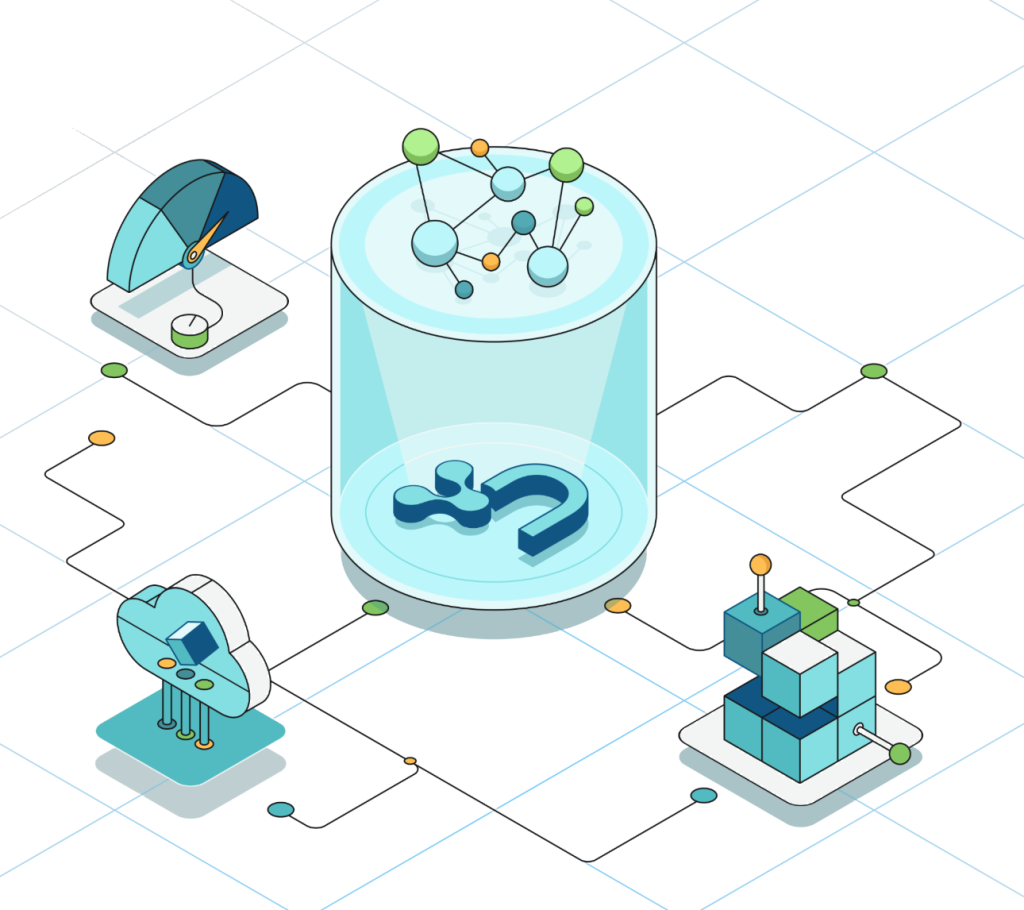
An AI agent interacts with a composite database through a single connection. Each query names the graph it wants with a USE clause, and the composite database routes it there, so the agent reads the bank’s data, the business plan, the lending policy, past decisions, and the ontology without a separate connection for each one.
Without one access point, agents working across multiple graphs would need more connection details in their prompts. With a composite database, you register each graph once, and every agent reaches all of them through a single connection.
Because the composite database only routes queries, the data stays where it is. The team that owns the lending policy keeps it in its own graph, and the Virtual Graph keeps reading the bank’s systems in place. No source records are exported, synced or duplicated, so there is no second copy to go stale or slip out of governance.
Adding a graph is a CREATE ALIAS statement under the composite database; the Neo4j documentation covers the full syntax. Once a graph is registered, a query uses the alias’ name to query it:
USE meridianComposite.meridian
MATCH (c:Customer)
RETURN c.customerId AS customerId,
      c.customerName AS customerName,
      c.customerType AS customerTypeCode language: CSS (css)
In code, the application opens one session against meridiancomposite and never manages a connection per graph:
def get_driver():
    uri = os.environ["NEO4J_URI"]
    user = os.environ["NEO4J_USERNAME"]
    password = os.environ["NEO4J_PASSWORD"]
    return GraphDatabase.driver(uri, auth=(user, password))

def get_session(driver):
    database = os.environ.get("NEO4J_COMPOSITE_DB", "meridiancomposite")
    return driver.session(database=database)Code language: JavaScript (javascript)
Every query then names its constituent on the first line. The same session runs USE meridianComposite.lendingpolicy on one call and USE meridianComposite.context on the next. From the application’s side, six graphs behave like one database.
How do you relate nodes that live in different graphs?
A composite database lets you query across graphs, but each graph keeps its own data, its own owner, and its own rules. Because of that, a relationship does not span two constituents: no graph can reach in and attach edges to another graph’s records.
Rosa’s Bakery shows what this means in practice. The bank knows her as customer C001 in the Virtual Graph. The business plan knows her as an Organization in the document graph. Both are the same business, and the link between them has to be recorded somewhere.
The answer is not to copy the data into one place. It is to give the links their own home.
What is a shadow database?
A shadow database is a separate graph in the composite database that stores the links between records in your other graphs. You can write to it, so you can create a link between a customer in the bank’s virtual graph constituent and a business in the document constituent.
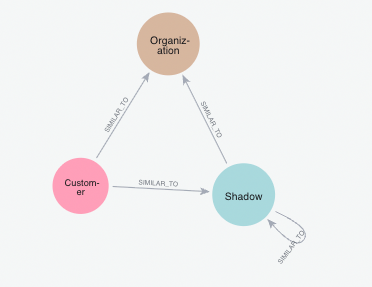
In this demo it is shadowDb. For each node that takes part in a link, the shadow database keeps a lightweight copy labeled :Shadow. The copy holds just enough to identify the node: sourceGraph and sourceId point back to the original, along with a few identity properties such as a name. The full record stays in its own graph, and the source graphs are never modified.
To start, the schema will look like this:
As you populate it, other labels appear. Each shadow node also carries the type of the record it stands for, such as :Shadow:Customer or :Shadow:Organization, so it says what kind of record it represents without a trip back to the source graph. These are extra labels on the same nodes, not new kinds of nodes or relationships. SIMILAR_TO is still the only relationship. In the end our schema looks like this:
A composite database gives your agent one connection to every graph in the knowledge layer, while each graph stays with the team that owns it. When the same entity appears in more than one graph, a shadow database records the link between them without copying the source records. Start with the simplest version of each, and add to them only when your use case requires it.
Next steps
- The previous post, Turn Your Existing Data into Context, covers the Virtual Graph and the document graph that this composite database connects.
- Read the Neo4j documentation on composite databases.
- Next, Ground Decisions in Precedent shows how a context graph in this composite database lets the agent cite earlier decisions.
Share Article


Explore
Related articles
AuraDB High Memory instances with up to 2TB of RAM now generally available
The Neo4j Ontology Graph Specification: A pragmatic, open, AI-first approach