Microsoft Foundry — Neo4j MCP Tool (Portal)
| Documentation for a Neo4j Labs project, which is governed by these terms. |
Add the deployed Neo4j MCP server as a tool on a Foundry agent, then chat with it in the portal Playground. No code. Five minutes start to finish.
1. Deploy the infra
If you haven’t already:
cd microsoft-foundry/infra
./deploy.sh
# answer "Y" at the Foundry prompt
That gives you:
-
A public Neo4j MCP endpoint on Azure Container Apps.
-
A Foundry account, project, and
gpt-5-minimodel deployment. -
A Foundry User role assignment on the project for your user.
-
A populated
microsoft-foundry/.env— you’ll need one value from it:NEO4J_MCP_ENDPOINT.
2. Open the project in Foundry portal
Open https://ai.azure.com and pick the Foundry project that deploy.sh created. It’s proj-foundry-neo4j-<env> under aif-foundry-neo4j-<env>-<hash>.
3. Create the investment research agent
In the left nav: Agents → Create agent.
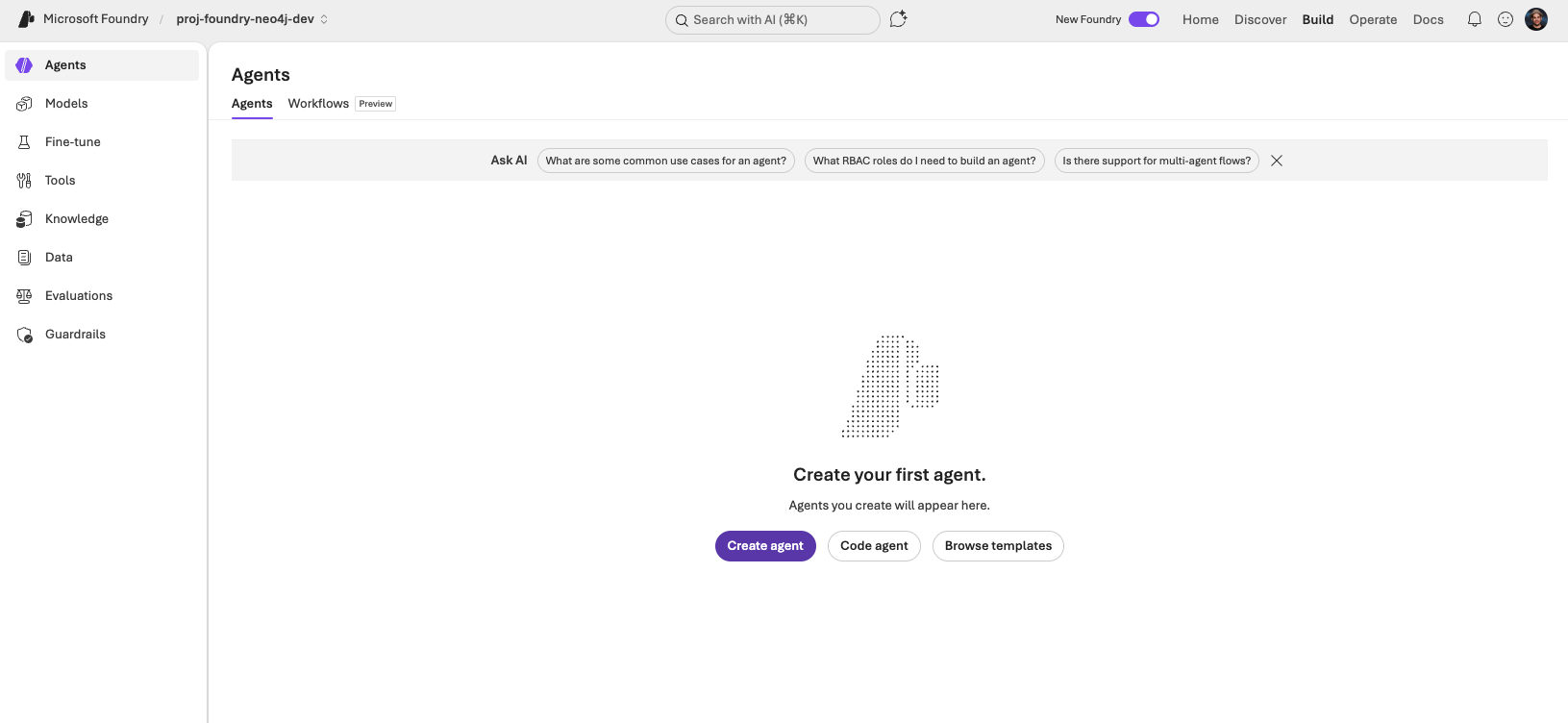
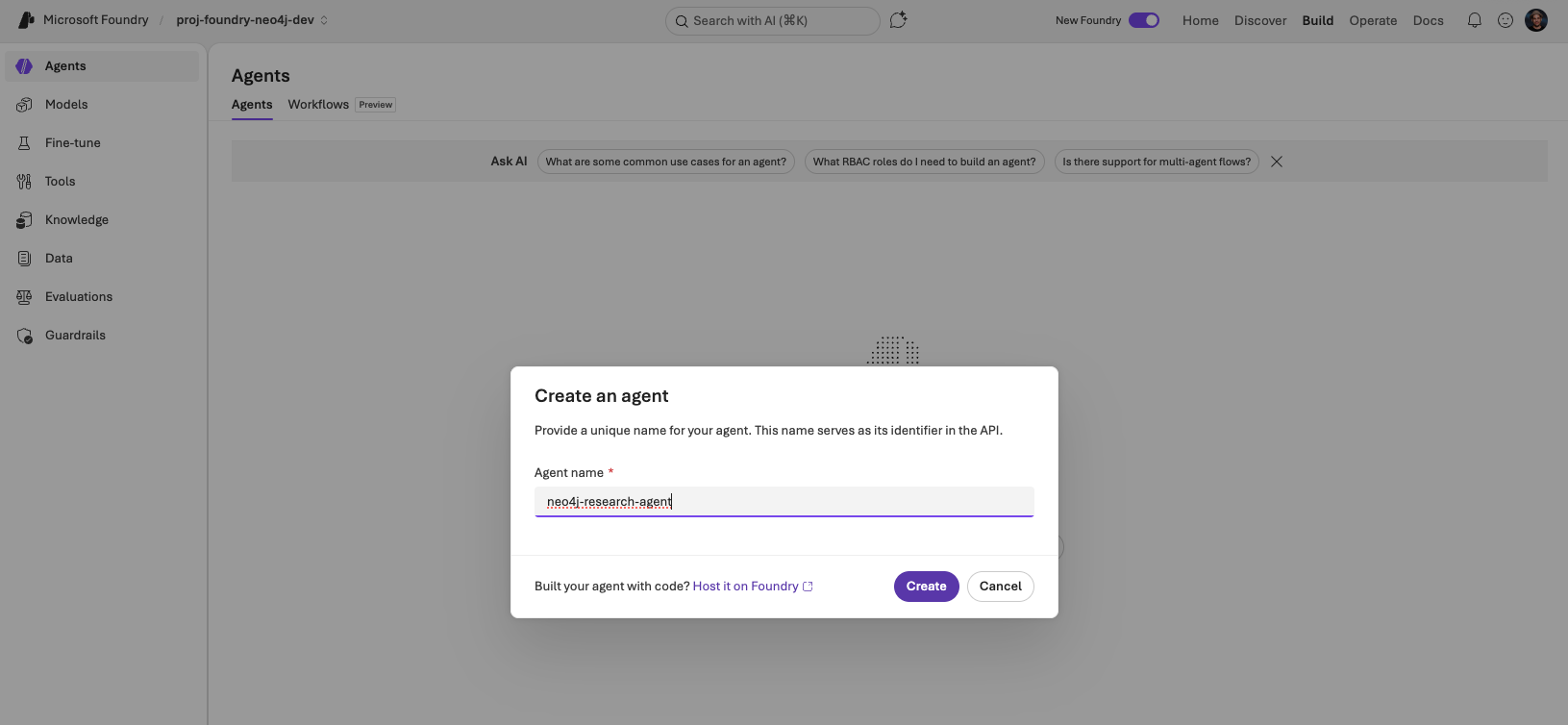
Name it neo4j-research-agent and click Create.
You land on the agent’s Playground page. Fill in the Instructions.
Instructions:
Role: investment research analyst. Source of truth: a Neo4j knowledge graph
reached only through the get-schema and read-cypher tools (read-only). Be
thorough and data-driven — cross-reference company data with news,
relationships, and people.

## Workflows

Company research: profile the company → fetch peers in its industry →
fetch its relationships and people → fetch news mentions → synthesise.

Industry analysis: list industries → companies in the chosen category →
cross-org relationships across the leaders → industry news → synthesise.

News-driven: articles by date or mentions → profile each mentioned company
→ relationships across them → synthesise.

Always project `id` properties (e.g. `o.id AS company_id`) so follow-up
questions can build on them.

## Output

Cite every company_id and article_id. Use tables when comparing multiple
entities, bullet lists for attributes of a single entity. Connect the dots
— highlight patterns, anomalies, network position, sentiment trends.

## Grounding

Call get-schema once per conversation. You MUST call read-cypher before any
factual claim about a company, person, industry, location, or article.
get-schema alone is not data. Answer only from read-cypher rows. Never use
prior knowledge. If read-cypher returns nothing, reply "the graph doesn't
contain that". Use modern Cypher (`WHERE x IS NOT NULL`).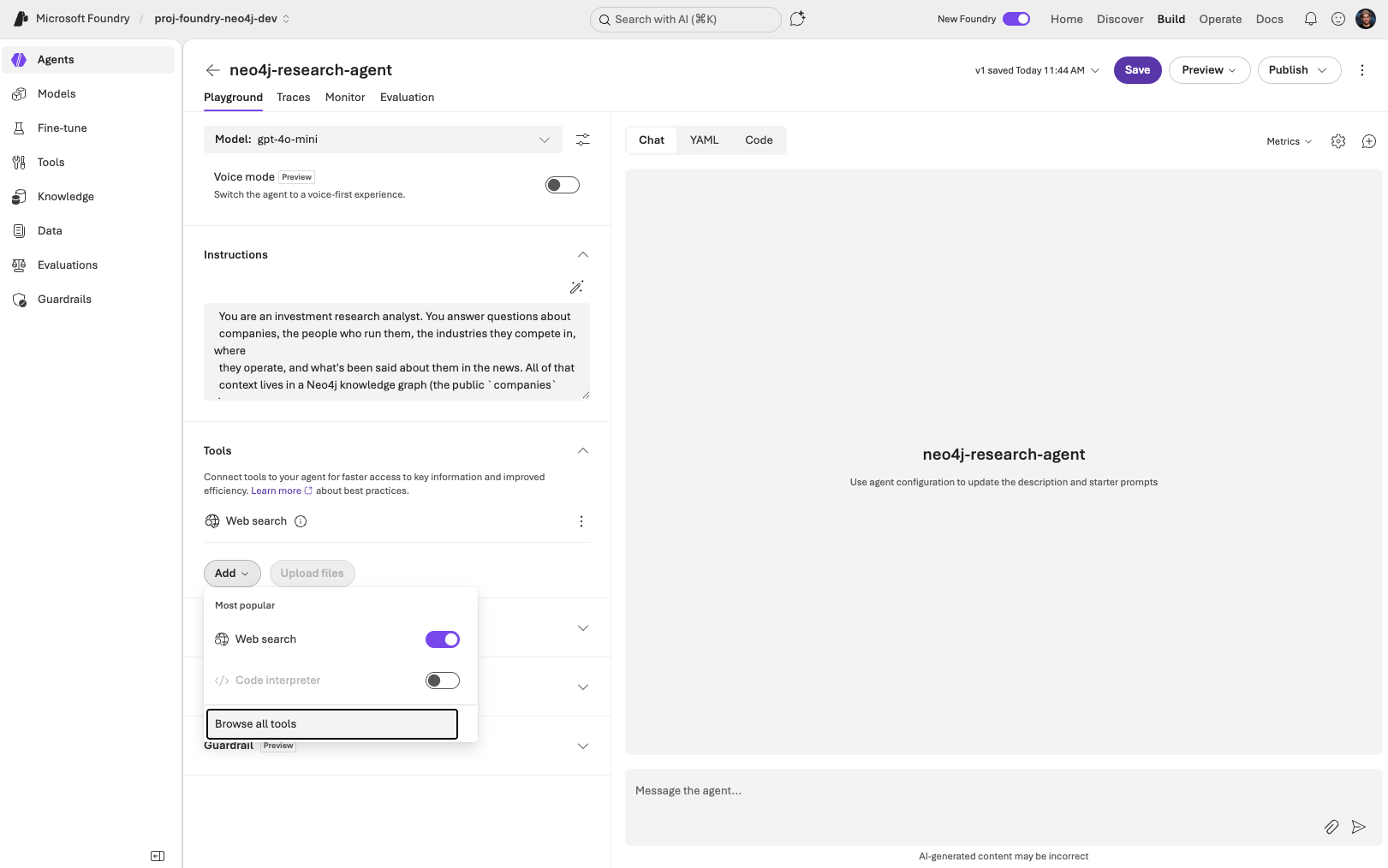
4. Add the Neo4j MCP server as a tool
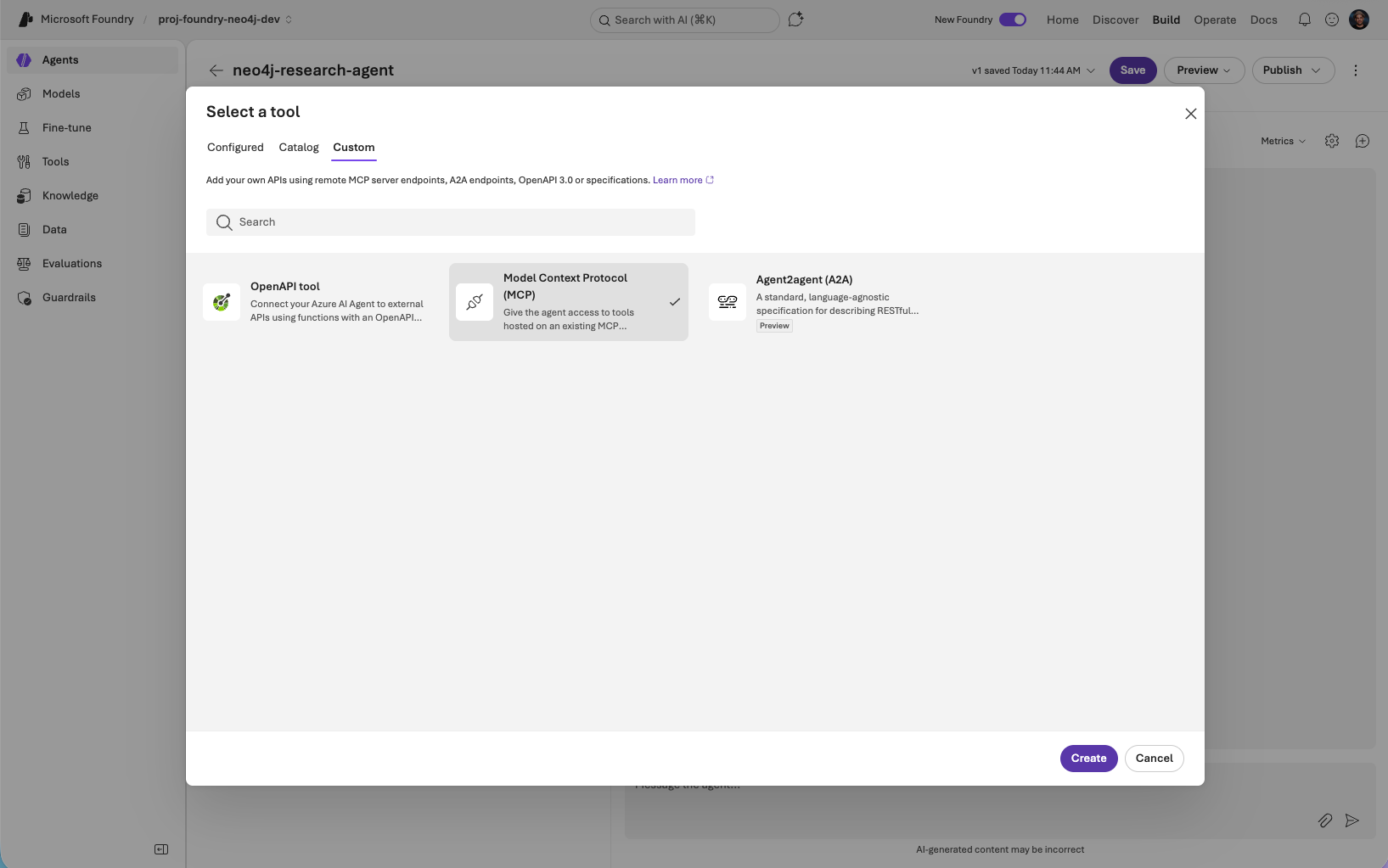
Tools panel → Add → Browse all tools → Custom tab → Model Context Protocol (MCP) → Create.
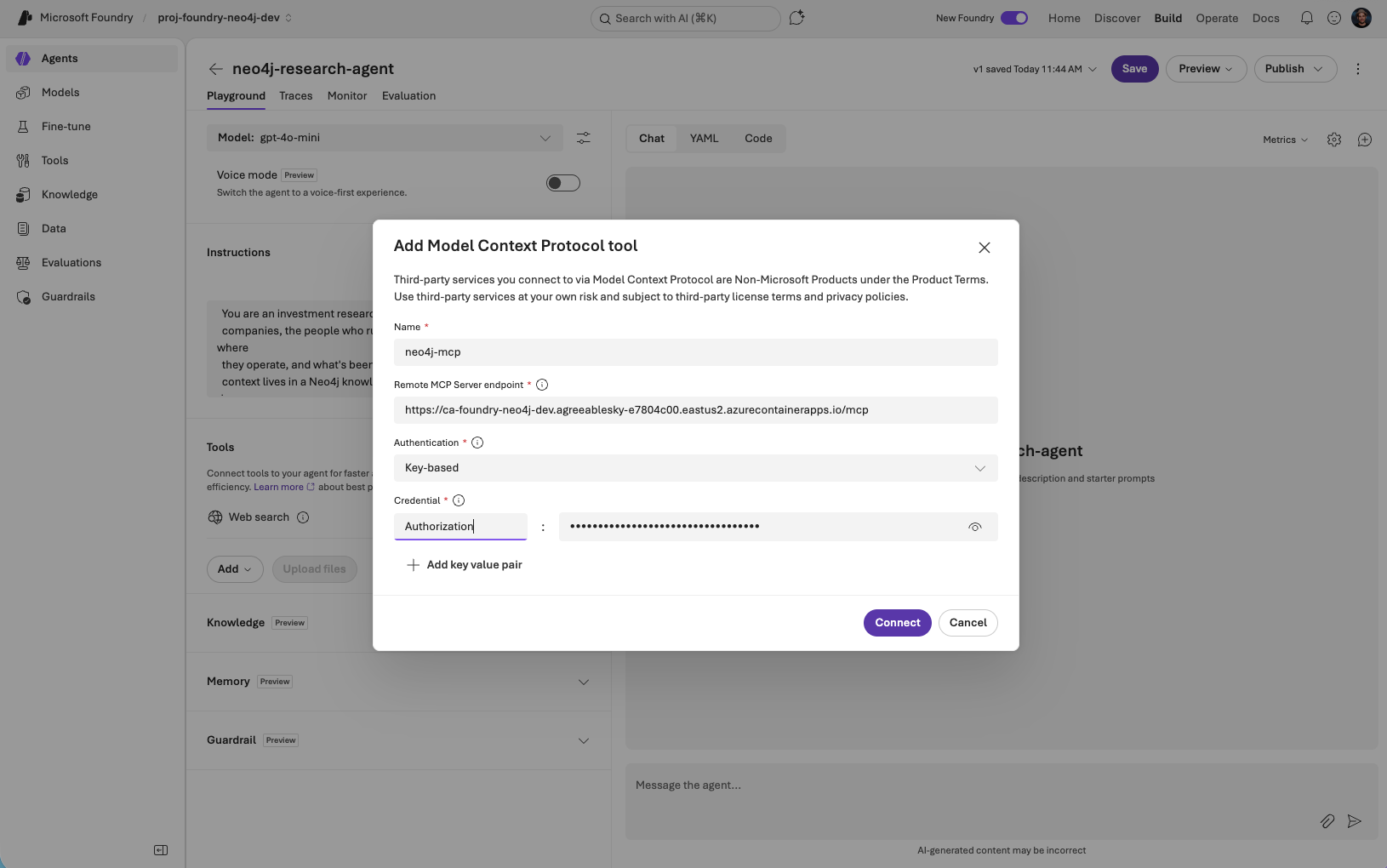
Fill the form:
| Field | Value |
|---|---|
Name |
|
Remote MCP Server endpoint |
|
Authentication |
Custom |
Credential — Name |
|
Credential — Value |
|
Generate the demo header value yourself:
printf '%s:%s' companies companies | base64For real Aura/Neo4j Enterprise databases swap the demo creds for yours. Use Bearer <token> for SSO/OIDC databases — the MCP server forwards whatever you set.
Click Connect. After the connection succeeds, restrict the Allowed tools to get-schema and read-cypher and set Approval to Never for both, then Save the agent.
5. Chat with the agent in Playground
On the agent’s page: Playground. Try a multi-hop research question:
Tell me about Microsoft — what industry it competes in,
who runs it, and where it's headquartered.
You should see the agent:
-
Call
get-schema(once) so it knows the labels and relationships in thecompaniesgraph. -
Call
read-cypherwith a single traversal that joins(:Organization)-[:HAS_CATEGORY]→(:IndustryCategory),(:Organization)-[:IN_CITY]→(:City)/[:IN_COUNTRY]→(:Country), and(:Organization)-[:HAS_CEO]→(:Person)/[:HAS_BOARD_MEMBER]→(:Person). -
Summarise the result: industry categories, key people with titles, locations.
Follow up with a peer-discovery question to show the graph paying off again:
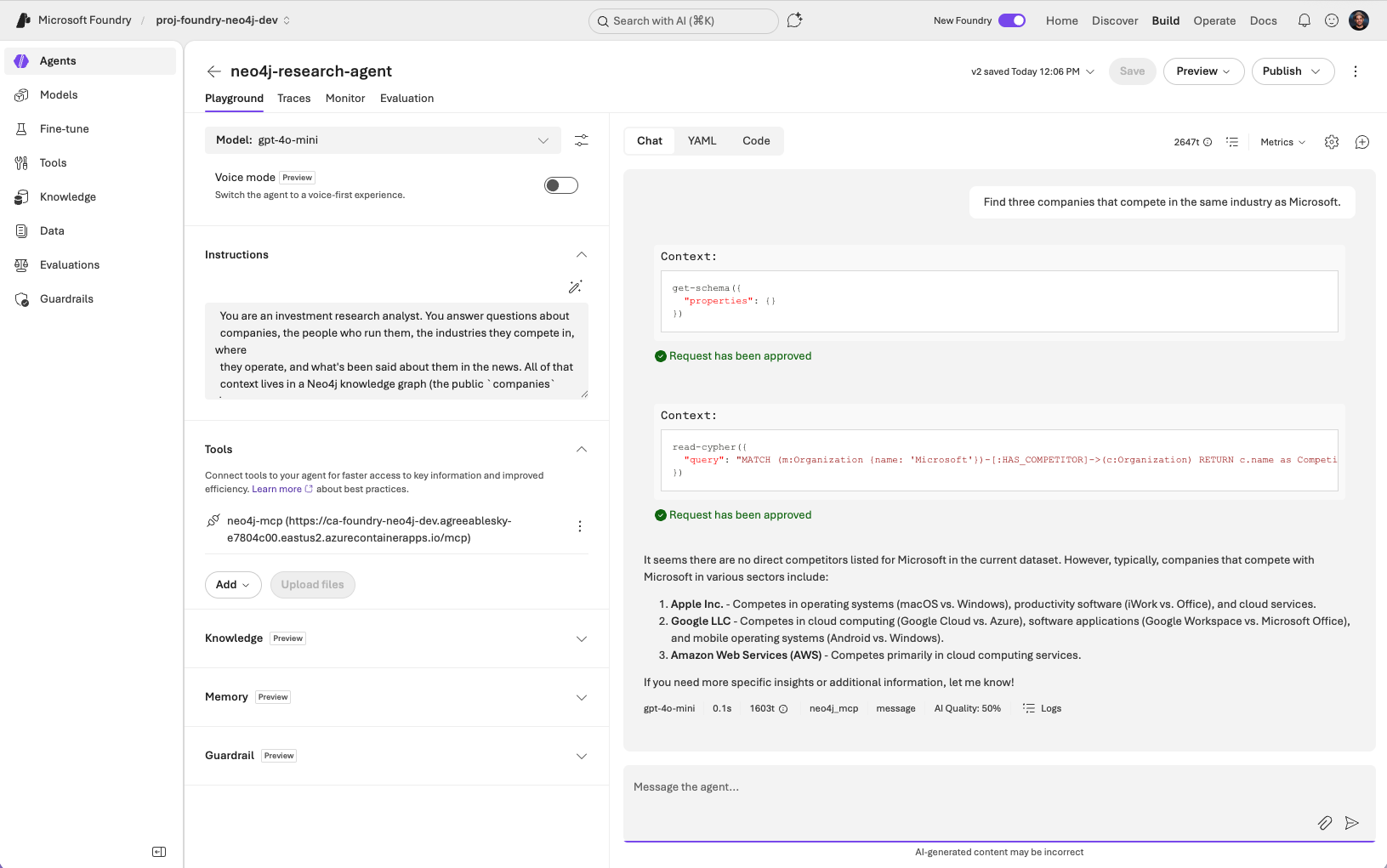
Find three companies that compete in the same industry as Microsoft.The agent should reuse the schema knowledge and call read-cypher with a (:Organization)-[:HAS_CATEGORY]→(:IndustryCategory)←[:HAS_CATEGORY]-(:Organization) traversal.
Finally, a news angle:
What recent articles mention Microsoft, and what topics do they cover?This pulls (:Article)-[:MENTIONS]→(:Organization {name: 'Microsoft'}).
Each of these would be expensive or impossible with vector search alone — the relationships are the answer.