Introducing the New GraphAcademy

Developer Experience Engineer at Neo4j
4 min read
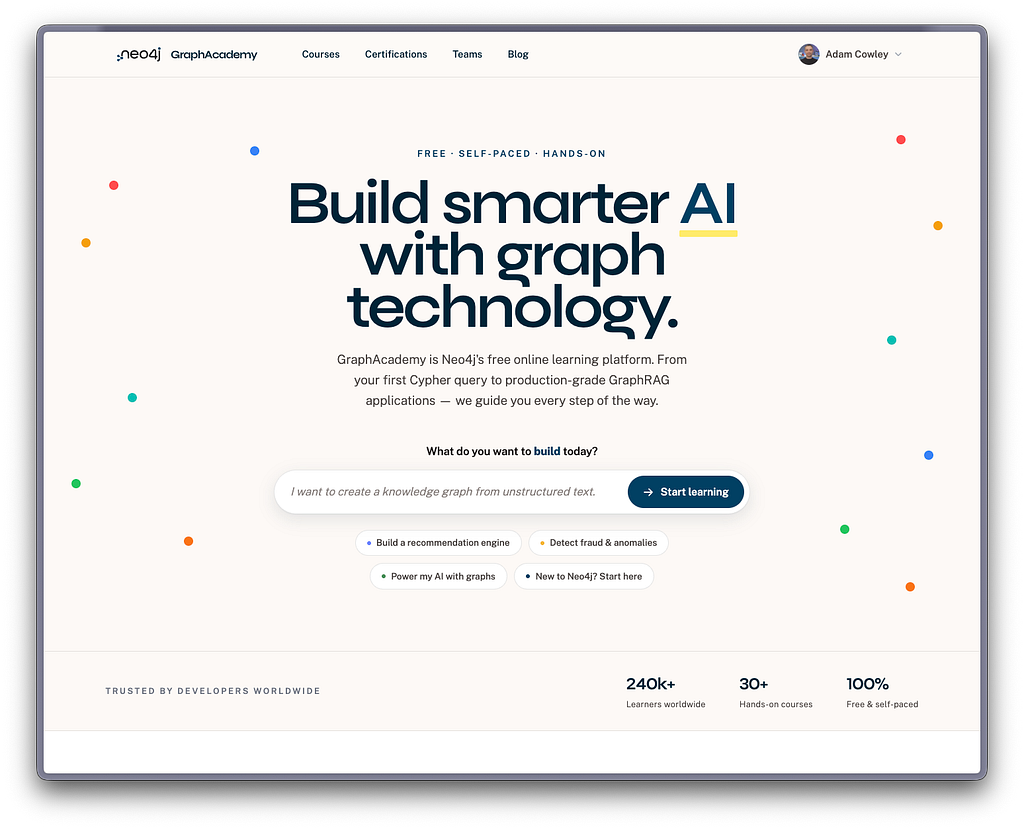
In the age of AI, two years is a long time. The way people learn — and the way they build with graphs and GenAI — has moved fast, and the site had earned a rethink. Here is what is new.
A hands-on Neo4j Fundamentals
The biggest change is that data models are now front and center, starting with a completely revamped Neo4j Fundamentals course. Previously, you learned data modeling by talking through it with a chatbot. Now you design the data model yourself, using drag-and-drop directly in the browser.
Designing a graph by hand from the very start builds the muscle memory that sticks. Instead of reading about nodes and relationships, you create them, connect them, and see your model take shape. That practice carries through everything you build afterward.
This is just the beginning. We plan to make your data model part of your learning experience as you progress through GraphAcademy, so stay tuned for more updates.
Your own editable data model
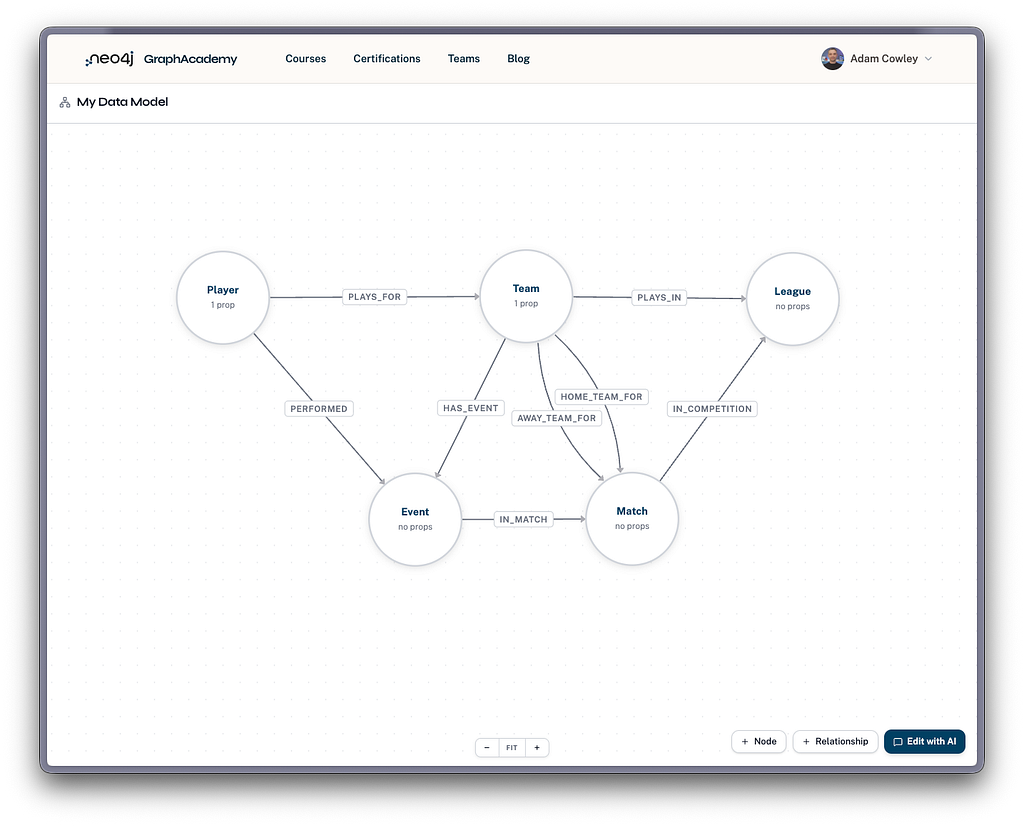
The data model you build is not locked away inside a single course. You can edit it at any time from your account, under Account → Data Model.
There is also a built-in chat-with-AI feature. Use it to validate your model, make edits, and get tips for optimizing it. It is like having a graph data modeling expert on hand whenever you want a second opinion on your design.
Learn with your team
Teams are now front and center, too. You can create a team, invite your friends and colleagues, and learn together rather than alone.
A team gives you a shared space to track progress, build custom learning paths tailored to your group’s needs, and stay motivated by seeing how everyone is doing. A team leaderboard ranks members by the points they earn as they complete lessons and courses, adding a bit of friendly competition to keep the momentum going. Whether you are onboarding new hires onto graph technology or working through a certification with a study group, learning alongside others keeps everyone moving.
Each team also has a brand new news feed. As a team admin, you can post updates straight to your members — announce a new learning path, share a deadline, or celebrate a certification. It is the simplest way to keep everyone on the same page.
Take a look at the Teams feature to see what your group can do.
An onboarding assistant for new learners
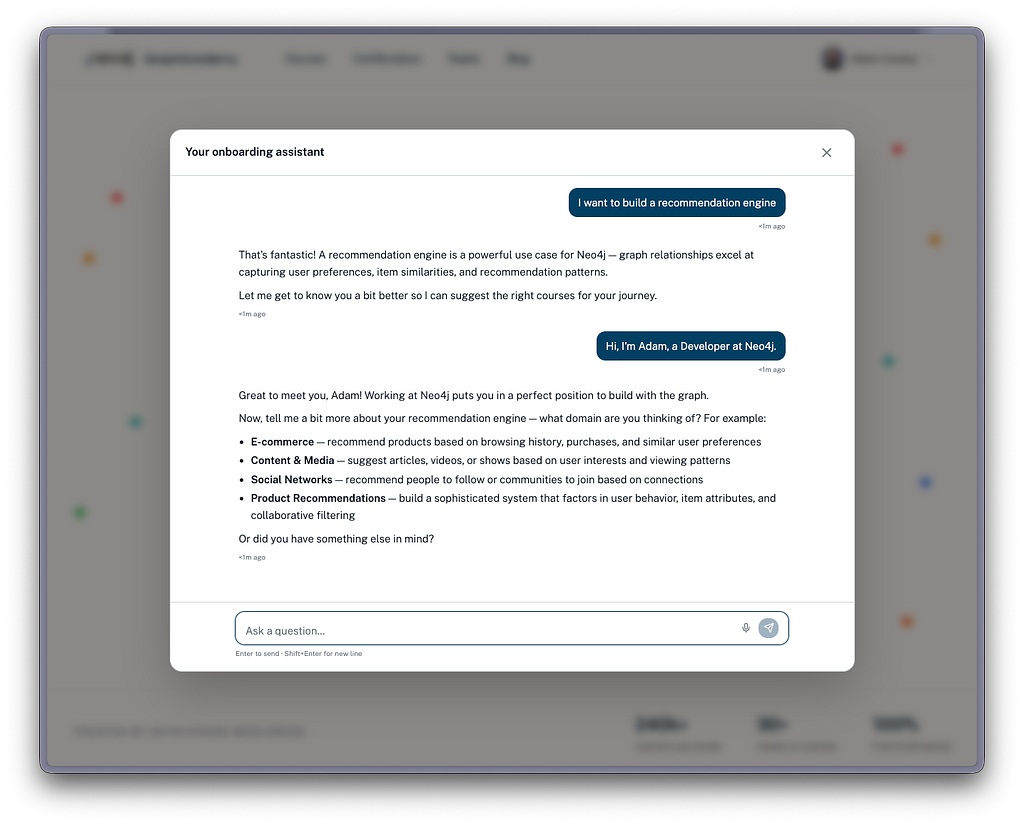
Knowing where to start can be the hardest part. For new users, we have added an onboarding assistant that helps you build a custom learning path tailored to your goals and experience.
Answer a few questions, and the assistant suggests the courses that make sense for you, in the order that makes sense to follow them. You will find it on the home page — a friendly way in for anyone who is new to graphs or new to GraphAcademy.
Show off what you have learned
Your progress is worth showing off. Every learner now has a public profile that brings together the courses you have completed and the certifications you have earned in one place.
When you finish a course or pass a certification, you can share it straight to LinkedIn with the details filled in for you — a simple way to let your network know what you have been building. Your hard work belongs on your profile, not buried in an account page.
Take a look around
This launch is a foundation, not a finish line. The hands-on Fundamentals course, editable data models, teams, and the onboarding assistant are the first of many improvements we have planned.
Build your data model, create a team, and take a look around. We would love to hear what you think — email us at [email protected] with your feedback. We are glad to have you here.
Introducing the New GraphAcademy was originally published in Neo4j Developer Blog on Medium, where people are continuing the conversation by highlighting and responding to this story.
Share Article


Explore
Related Articles
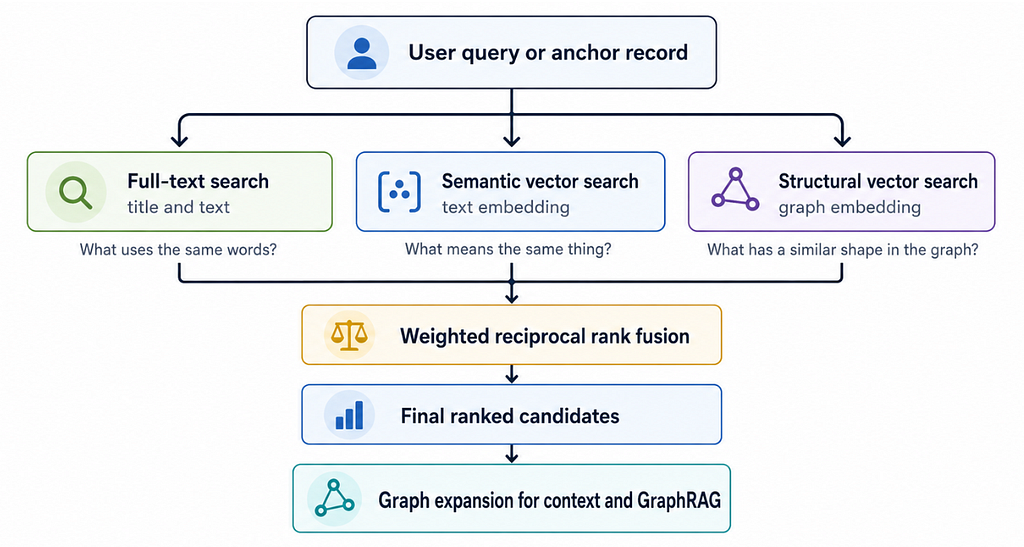
Hybrid Search in Neo4j: Full-Text, Vectors, and Graph Topology with Cypher