Graph
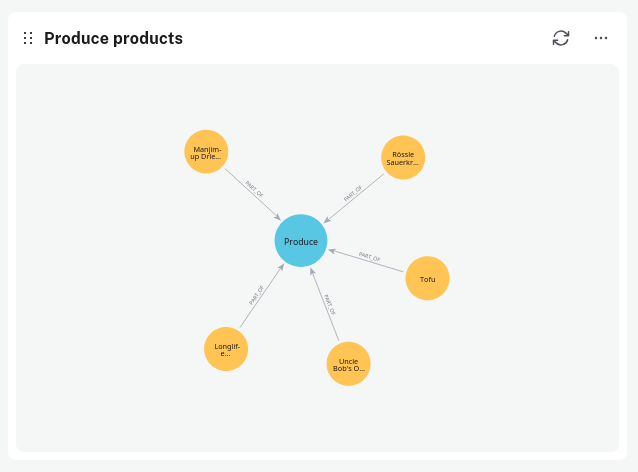
Neo4j dashboard graphs render returned nodes, relationships and paths. Configure the graph layout and nodes, relationships, labels and colors to your liking.
You can drag and drop nodes in the displayed graph.
Neo4j dashboard graphs render returned nodes, relationships and paths. Configure the graph layout and nodes, relationships, labels and colors to your liking.
You can drag and drop nodes in the displayed graph.